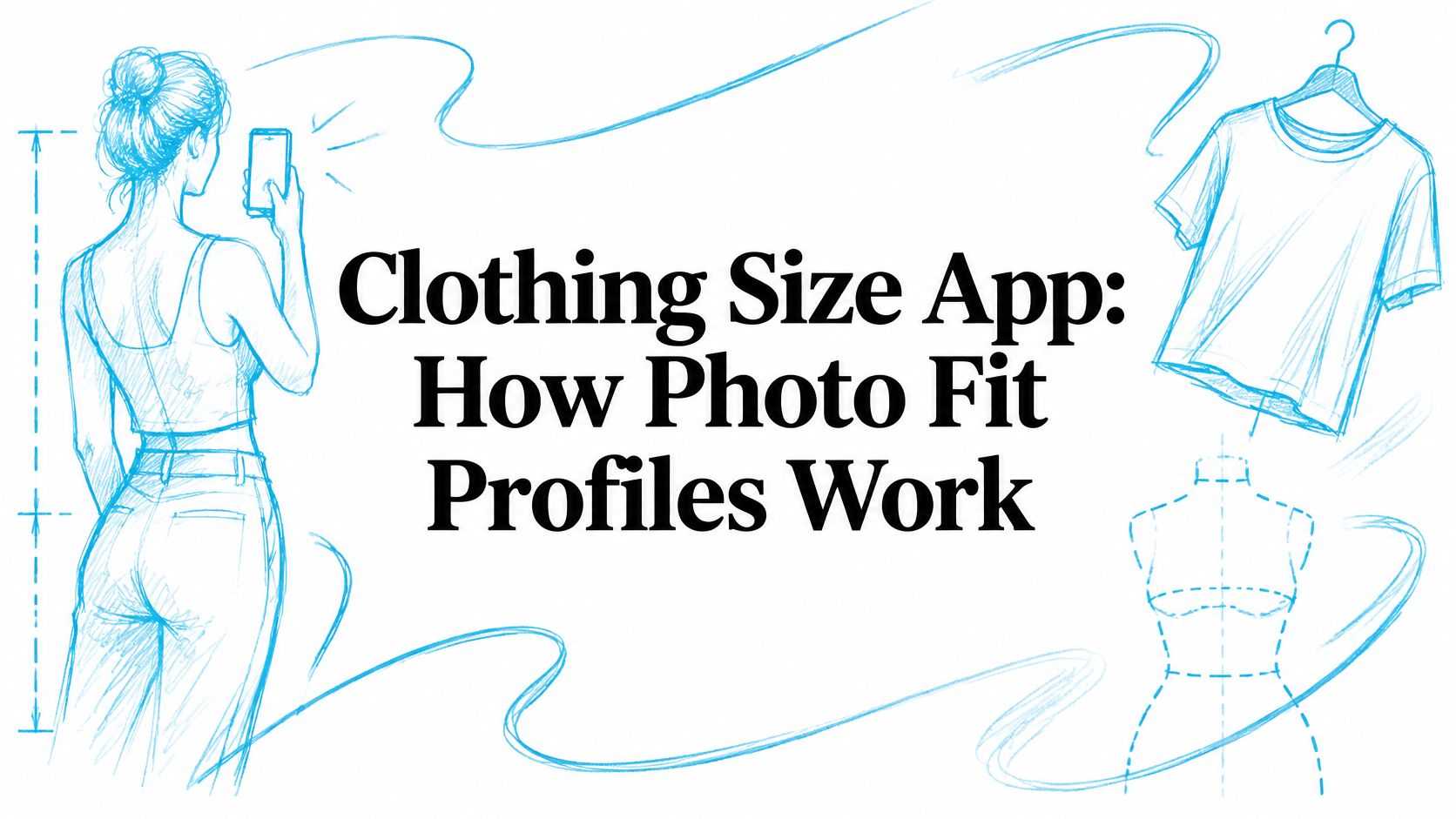
Only 9.15% of women in a large body-scan group received the same size at the bust, waist, and hip. A clothing size app helps address that mismatch by estimating measurements from front and side photos and height, then matching a fit profile to garments across brands.
A size label is a brand's shorthand, not a body measurement. It can vary with a garment's cut and fabric, so a useful app reports fit by body zone rather than presenting one number as exact. That makes it easier to see where an item may fit well and where it may feel tight or loose.
Table of Contents
What a Clothing Size App Does
Say you're ordering jeans from a brand you've never worn. Your usual size fits at the hip in one label, pulls at the thigh in another, and gaps at the waist in a third. You don't have a sizing problem you can fix by memorizing one number. You have a matching problem between your body and three different patterns.
That's why returns cluster around fit. Coresight Research on the true cost of apparel returns estimated the average U.S. online apparel return rate at 24.4% during the 12 months ending March 6, 2023. In the same research, 53% of surveyed apparel decision-makers named size or fit as the leading reason for online apparel returns, ahead of color at 16% and damage at 10%.
Three Ways Shoppers Usually Guess
The first method is copying a label. You wore a medium last time, so you buy a medium again. It works only when the brand, garment, and your body haven't changed.
The second is checking a size chart with a tape measure. That's better, because inches or centimetres mean more than a letter. It's also slow, easy to do slightly wrong, and different for every store and every family member you buy for.
The third is building a fit profile once. A clothing size app estimates dimensions from photos and height, saves them, and reuses them each time you shop. Think of a house key cut from the shape of the lock rather than copied from a worn number stamped on an old key. The old number may be close. The lock shape tells you more.
A label tells you what a brand calls a garment. A profile tells you how that garment is likely to relate to your body.
Parents feel the difference first, because children's sizes change between seasons. Couples feel it when one person buys gifts or basics for the other. Anyone who shops across labels feels it when a trusted size stops working.
Good design makes that profile easy to review and correct. If you're building this kind of shopping experience yourself, starting from a React Native template for fashion startups can help you focus effort on fit logic and product data rather than basic store screens. For shoppers, the test is simpler. Does the app save time before checkout, and does it say when its answer is uncertain?
How Two Photos Become a Size
A front photo shows width; a side photo adds depth. Together, they give sizing software two views of the body to estimate measurements such as chest, waist, and hip circumference. The estimate depends on clear images and a consistent pose.
Take the Photos in Order
Take the front photo. Stand with your full body in frame and arms slightly away from your sides. Aim for even light, and wear close-fitting clothes if possible. A heavy coat can hide the body outline.
Take the side photo. Turn sideways in the same place and clothes. Keep bags away, uncross your arms, and make sure nothing blocks your outline.
Enter your height. Height gives the images a scale. Add age and gender if the tool asks for them.
Let the app estimate measurements. It identifies body landmarks such as shoulders, waist, and hips, then estimates dimensions from the two views.
Treat the result as a recommendation. The app can compare estimated measurements with a brand's garment measurements and the room added for movement, known as ease. The result is a suggested size, not a guarantee of fit.
ClothME's free size tool works on any phone. It asks for a front photo, a side photo, height, age, and gender. A personal Fit Profile created from height and the two photos helps recommend suitable products and sizes.
What Good Accuracy Looks Like
A Goldsmiths University thesis on single-camera body measurement evaluated a single RGB camera system on 78 participants and found average upper-body measurement differences of approximately ±1 cm compared with manual tape measurements. That result does not mean every garment will fit, since garment shape and ease also affect how it sits on the body.
Less controlled photos produce weaker estimates. Errors can come from measurement precision and image quality, so camera position and lighting affect the result. For a tape check, follow this guide to measuring your body accurately at home and compare a key measurement, such as waist circumference, before buying trousers with no stretch.
Mistakes That Break the Estimate
Cropped feet or head. The app loses part of the full-body frame used to assess scale and proportion.
A tilted phone. A high or low angle changes apparent body proportions.
Baggy clothing. Loose fabric can obscure the body outline.
A rushed side view. Turning only partway blends the front and side views.
Uneven light. Deep shadows can hide body landmarks.
If the pose or framing is off, retake both photos rather than relying on a low-confidence result. Keep the lighting and stance similar for each view.
Where One Size Label Breaks
A dress can fit at the bust and still pull at the hips. Jeans may fit the waist but feel tight at the thigh. A single size label compresses these differences into one number or letter.
Case What the evidence found Figure Source year Same size at bust, waist, and hip Women who matched on all three zones 63 of 677, or 9.15% 2025 Size variation across zones Women whose zone sizes differed 614 of 677, or 90.84% 2025 Outside the tested scheme Women not well represented 35.45% 2025 Women's brand charts Moderate brands larger, designer labels smaller 54 U.S. retailers 2017 Size changes by brand Readers whose size is not stable across labels 91% of 687 2025 Jeans Readers naming jeans as a fit problem 60% 2025 Trousers Readers naming trousers as a fit problem 53% 2025
Your Body Has Zones, Not One Label
A 2025 Scientific Reports study using 3D body scanning measured 677 women. Only 63 participants (9.15%) received the same size classification across bust, waist, and hip. The other 614 participants (90.84%) had different size classifications across those zones, and 35.45% were not adequately represented by the sizing scheme evaluated.
For trousers, choosing by hip size can leave extra room at the waist. Choosing by waist size may make the hips or thighs pull. A clothing size app is more useful when it shows likely fit by body zone, rather than presenting one result as an exact answer.
The study also compared models using different body measurements. A model using primary measurements reached 89.66% accuracy, while a model that reduced additional dimensions reached 68.97%. More inputs alone do not guarantee a better estimate; the measurements need to be relevant to the zones and garment being assessed.
Brands Don't Grade Labels the Same Way
Sizing also shifts between brands. A 2017 economic study of size charts from 54 U.S. apparel retailers found women's sizes were generally larger among moderately priced retailers, while high-end designer labels used significantly smaller sizes. The researchers found little to no evidence of the same pattern in men's or children's clothing.
A 2025 Vogue Business survey of 687 U.S. and UK readers found that 91% said their size changes by brand, while 38% often returned clothes because of poor fit. Jeans were named as a fit problem by 60% of respondents, and trousers by 53%.
Practical rule: Use S, M, L, or a number size as a starting point. Check the garment's likely fit at the zones that matter.
Fabric affects how those zones feel. Stretch can let a waistband expand and recover, but it does not guarantee extra room through the thigh. A woven dress with no stretch may need a closer match at its most fitted point.
For background on why labels vary, read this guide to how clothing sizing works across brands. Practical tips on where to place kids' clothing labels can also help keep similar family garments identifiable after laundry.
Profiles for Kids and Households
On a normal shopping night, one adult might buy school trousers for a child, replace a partner's worn shirt, and look for their own coat. Those are three bodies, three sets of preferences, and often three brands. Using one remembered size for all of them invites mistakes.
One Record for Each Person
A family profile isn't a shared family size. It's a separate saved record for each person, held in one account. One ClothME account can hold a separate profile for each person you buy for, such as kids, a partner, or yourself.
Our optional Fit Profile can collect height, weight, body measurements, clothing sizes, and fit, style, and shopping preferences to provide personalized clothing recommendations. Keeping those details attached to the right person prevents a common household error. Your partner's preference for a close fit shouldn't change your child's relaxed school uniform recommendation.
A Household Shopping Pass
Start by selecting your child's profile. You see items in that child's current likely size, filtered by preferred colors or brands where you've saved them. Then switch to your partner's profile without retyping measurements or reopening three brand charts.
Location can be a second filter. A feed that favors brands available in your city saves you from choosing an item you can't easily buy, collect, or return. Our family guidance on buying kids' clothes online without size guesswork covers the checks to make before you pay.
Children's profiles need regular refresh dates, not vague intentions. Retake a child's photos at the start of a school term or after a noticeable growth spurt. Update an adult profile after pregnancy, a major weight change, or a clear change in preferred ease, such as moving from close-fitting shirts to relaxed ones.
Kids. Update at each school term and after shoes or trousers suddenly become short.
Adults. Update after body changes or when two familiar brands both start fitting differently.
Gift recipients. Confirm preferences before a purchase if they dislike tight sleeves, high rises, or particular fabrics.
There's also an age boundary. ClothME isn't intended for children under the age of 13 or the minimum age required by applicable law, so a parent or caregiver creates and manages a younger child's record. The household test is simple. If two people would need two tape-measure sessions and two brand charts, they need two profiles.
Privacy and Accuracy Limits
A photo profile can narrow your size. It can't guarantee that a particular garment will feel right on your body. Our fit recommendations are intended to assist shopping decisions and do not guarantee that a product will fit perfectly.
Fabric behavior, garment construction, posture, camera angle, and incomplete retailer data can all change the result. A stiff woven shirt and a stretch knit shirt may carry the same label while fitting very differently. An app that hides that uncertainty behind one confident number is asking you to trust more than it knows.
Fit remains unresolved even with better tools. The 2025 IEOM conference paper on apparel fit and returns reported that 68% of consumers returned clothing or footwear during the preceding year, and 61% cited poor fit as the main return reason. Those figures don't prove an app is useless. They show why the result should be treated as decision support.
Know When a Profile Has Gone Stale
An old profile can be accurately measured and still wrong for today. Children grow. Pregnancy changes proportions. Training, illness, medication, or weight change can alter waist, hip, chest, and upper arm dimensions at different rates.
Retake photos when clothes in a once reliable size begin failing in a new place. If a result comes back with low confidence, use a tape measure or try the garment style in a store before ordering several colors. That is especially important for fitted trousers, structured dresses, blazers, and shoes or boots where one narrow zone can make the whole item unwearable.
Upload photos only after you know who can open the profile, how long images are kept, and how to delete them.
Consent Inside a Shared Account
A parent or caregiver should take and approve a child's sizing photos. Keep children's images only while they're needed for the profile, and delete a record when that person no longer belongs on the household account. Ask whether photos are retained, whether they're used to improve models, and who can access them.
Adults need the same conversation. Partners and caregivers shouldn't discover by accident that they can open each other's body profiles. Agree who manages each record, who may buy from it, and when access ends.
We state our own limits in plain terms. We never sell personal information. We collect account information such as name, email address, encrypted password, and country and location, while phone number, date of birth, gender, and profile photo are optional. We may share information with brands and boutiques when necessary to fulfil orders, which is different from selling a profile for unrelated marketing.
Your personal rule can stay short. Don't upload a photo until you know who can see the profile. Don't treat a recommended size as a promise. Retake the photos when the body changes.
How to Choose a Clothing Size App
Don't judge a clothing size app by how confident its result sounds. Judge it by whether it shows its inputs, separates household members, explains uncertainty, and lets you delete information you no longer want stored.
Check Good sign Weak sign Photo inputs Front photo, side photo, and height One selfie or a size label only Household records A separate profile per person One shared size for everyone Result shown Size plus the uncertain body zone One number with no explanation Catalog filter Items limited to saved size and preferences Full catalog, filter after checkout Local availability Brands active in the shopper's city No location filter Privacy States it does not sell personal information No clear photo or deletion policy Children Parent-managed profiles and a minimum age Asks a child to create an account Fit promise Says the result assists, not guarantees, fit Claims every item will fit perfectly
Read Each Row as a Question
Inputs. Does the app need a front photo, a side photo, and height? A single selfie can't show body depth, and an old label can't describe your current proportions.
Household records. Can each person have separate measurements and fit or style preferences? One shared size transfers one person's proportions to everyone else.
Result. Does it say size medium, with a likely loose waist on a correct hip? That kind of note gives you a choice. You might keep the size and use a belt, choose a curvier cut, plan a small alteration, or skip the garment. A bare number hides all four options.
Catalog. Does filtering happen before you browse? Searching a full catalog and checking size at the end wastes the time a profile was meant to save. We connect customers with brands and boutiques, so a useful shortlist also needs to reflect which sellers can serve your city.
Privacy and children. Can you find the photo policy and deletion steps before uploading? Does the app state whether personal information is sold? A parent should manage a young child's record, and a minimum age should be stated clearly rather than buried after signup.
Interface clarity isn't cosmetic here. If you want the reasoning behind readable flows and visible error states, understanding the UX UI design process is a helpful primer on why each step should explain what happens next. In a sizing tool, clear design means you can spot a bad photo and correct it before it becomes a wrong order.
Ask Two Questions Users Often Miss
First, does the app charge before you upload photos? Know the price before you hand over body images. Second, what does it show for a brand with no measurement table? A size without brand data is only a guess, and the app should say so.
Reject any app that promises every item will fit perfectly. No photo can know how a stiff collar feels on your neck or whether you dislike fabric touching your upper arm. Fit includes comfort and preference, not just circumference.
A First-Use Routine
Make your own profile first. Add one other household member, save a preferred fit such as relaxed or close, then compare one familiar garment against the suggested size. Choose something you already own in a brand the app covers.
If the familiar item comes back wrong, retake both photos before trusting the feed. Check framing, light, posture, and height. If it comes back right, try one new brand in a forgiving category before buying structured tailoring or fitted denim.
Our comparison of tools for finding the best AI shopping assistant can help you weigh broader shopping help against a focused fit tool. We have a mobile app, and visitors can request a download link by entering an email address. Whatever you choose, pick the app that shows its uncertainty and lets you update each person separately.
Build your first two-photo Fit Profile, add the people you shop for, and browse clothes matched to each person's likely size and preferences instead of reopening brand charts every time. Visit ClothME to create a profile, check a familiar garment against its recommendation, and shop with the uncertain body zones in view before you pay.